
 Čeština
  Dansk
Dansk  Deutsch
  English
  English (US)
  Español
  Français
  Italiano
  Magyar
  Nederlands
  Norsk
Norsk  Polski
  Português
  Português (BR)
  Română
  Suomi
Suomi  Svenska
  Tiếng Việt
  Türkçe
  Ελληνικά
  Български
  Русский
  Українська
  ไทย
ไทย  日本語
日本語  한국어
한국어 Internet and DSL Speed Test
How fast is your connection really? Measure download, upload, ping and jitter – no installation, right in your browser.
 Steganos®Internet and DSL Speed Test
Selecting a test server …
The last 5 results
7705 speed tests run so far*
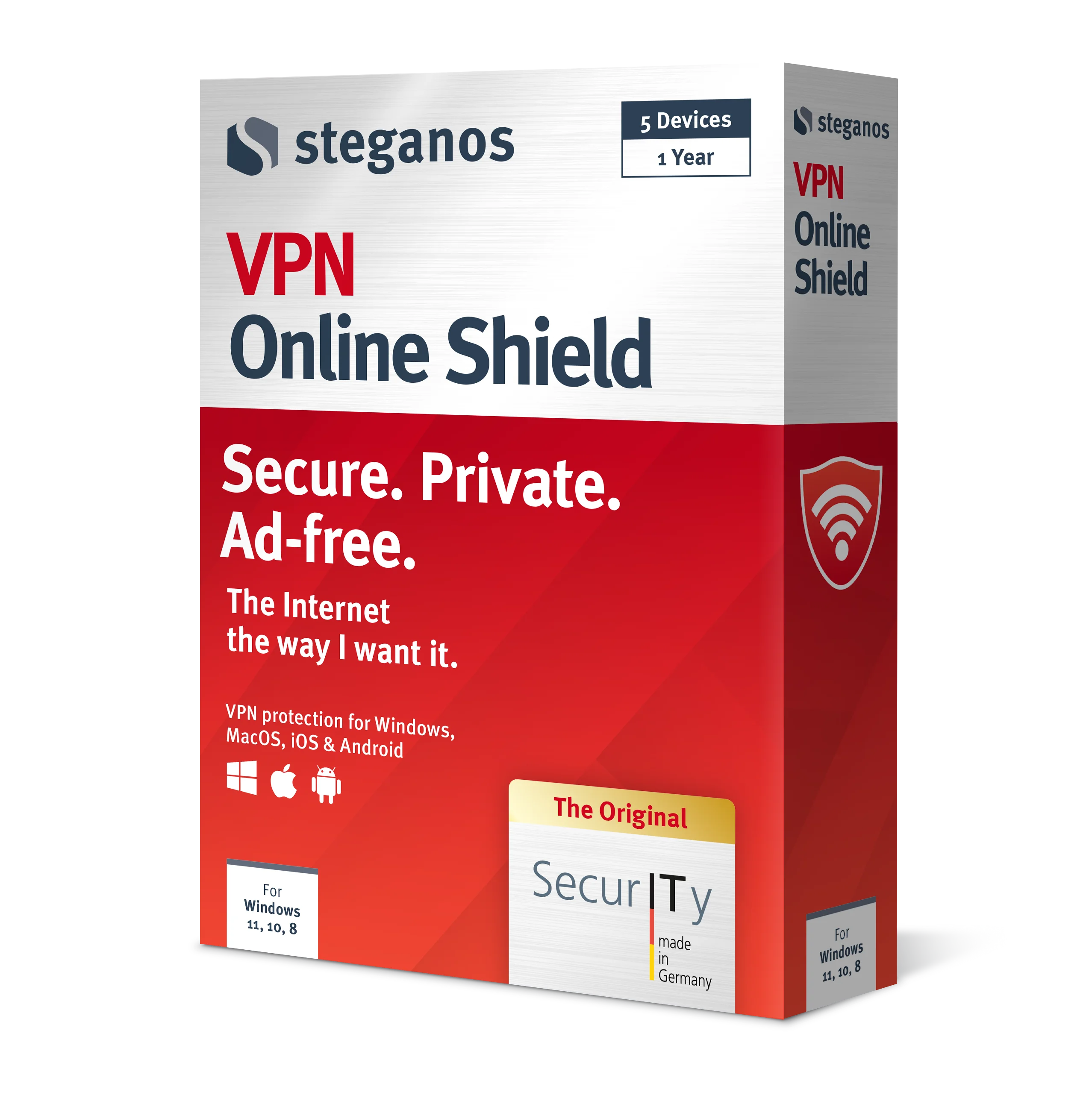
 Steganos®VPN Online Shield
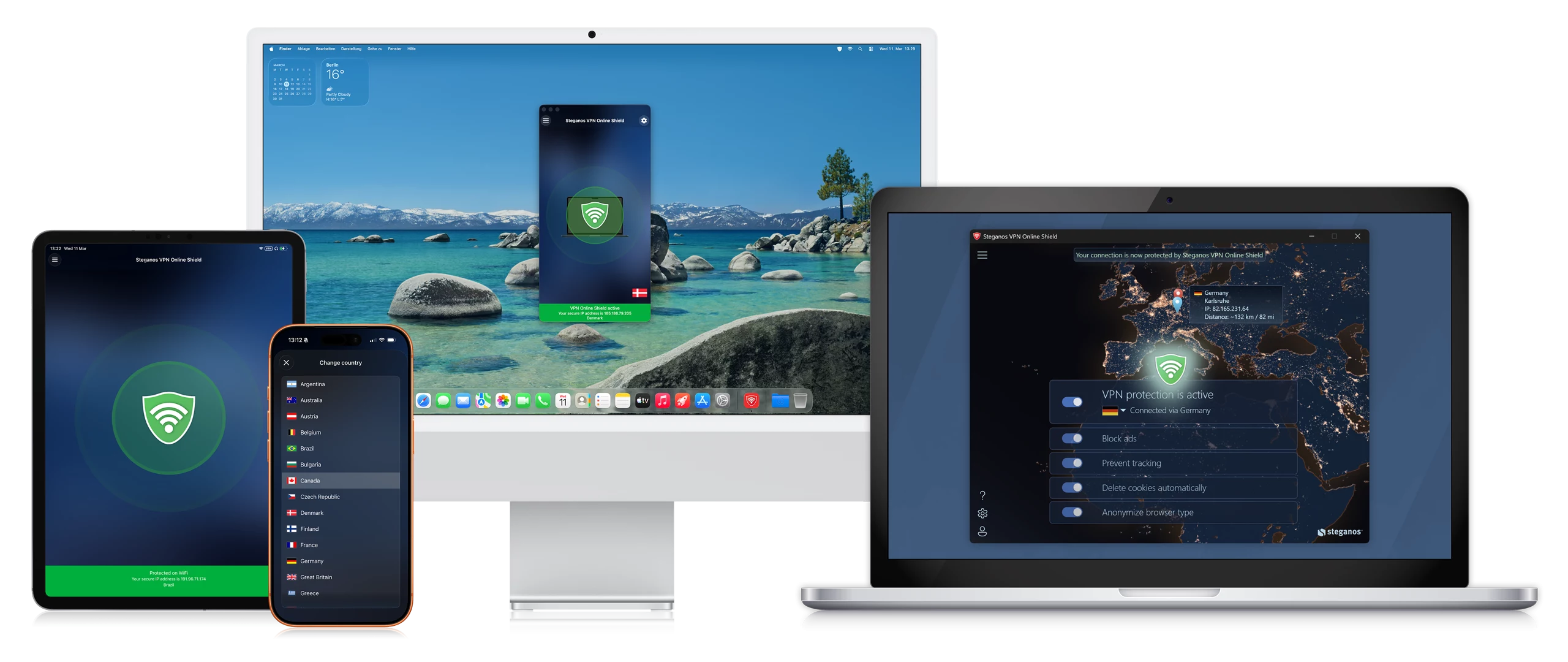
Measuring is good. Being protected is better – system-wide, not just in the browser.
- ✓Encrypts your entire connection
- ✓Hides your real IP address
- ✓256-bit AES encryption
- ✓Servers in many countries, switch with one click
- ✓7 days unrestricted, no subscription
How to measure correctly
The factors that influence the result most
| Distorts the measurement | How to measure cleanly | |
|---|---|---|
| Other downloads and updates | ✗ Downloads or system updates running in the background | ✓ Stop everything that transfers data |
| Other devices on the network | ✗ A video is playing on a smart TV or tablet | ✓ Nobody else is using the line during the test |
| Wi-Fi instead of cable | ✗ Weak Wi-Fi reception limits the data rate | ✓ Test via LAN cable where possible |
| Distance to the test server | ✗ Server far away or overloaded | ✓ Pick a nearby server and test repeatedly |
| Time of day | Networks are busier in the evening | ✓ Measure at different times and compare |
FOR FREEOur Top Downloads
Full power at no cost: use our software here for free and benefit from all premium features.*

Deals & news straight to your inbox.
VPN Online Shield
The best VPN solution from Germany. Absolute security and privacy.
Password Manager
Generate, store, and manage strong passwords. Secure cloud-based access on the go.

Data Safe
Securely encrypt sensitive data. Protect yourself and your data at the touch of a button.
Privacy Suite
Digital safe & password management. Generate and manage secure passwords.

OkayFreedom VPN
Free and secure browsing – a global VPN solution from a German provider, no account needed.
LockNote 2
Securely encrypt important data against unauthorized access with our open source solution.
Frequently Asked Questions
Why should I run a speed test?
A speed test tells you whether your line delivers the speed you were promised. If it is noticeably slower, that often explains blurry video or long loading times – and the test helps narrow down whether the problem is your connection or the content provider.
How does the speed test work?
You pick a test server, ideally one close to you. It sends several data packets to your device and requests some in return. From that, your download and upload speeds are calculated.
What do ping and jitter mean?
Ping is the time a data packet needs to reach the server and come back – the lower, the more responsive your connection. Jitter is how much that value fluctuates. High jitter shows up as buffering and poor audio in video calls, even when bandwidth is high.
Why do my results vary?
Because many factors play a part: Wi-Fi reception, test server load, distance to the server and the time of day. So measure several times at different times of day and compare the values instead of relying on a single run.
** Steganos VPN Online Shield can be used without restriction for 7 days without a subscription. Steganos Privacy Suite, Steganos Password Manager and Steganos Data Safe can be used without restriction for 30 days without a subscription. Steganos LockNote 2 and OkayFreedom VPN can be used permanently free of charge.