
 Čeština
  Dansk
Dansk  Deutsch
  English
  English (US)
  Español
  Français
  Italiano
  Magyar
  Nederlands
  Norsk
Norsk  Polski
  Português (BR)
  Română
  Suomi
Suomi  Svenska
  Türkçe
  Ελληνικά
  Български
  Русский
  Українська
  ไทย
ไทย  日本語
日本語  한국어
한국어 Steganos Self-Service
Download the latest version of your software or request the serial numbers from an earlier purchase.
Not what you were looking for?
Our customer service will help you personally — including everything the two options above do not cover.
Sales
Would you like to work with Steganos? Here you'll find the right contact for your inquiry.
Resellers & Retail
Inquiries about reseller or retail partnerships, and about multi-seat licenses for businesses.
OEM, Bundling & Technology
Questions about OEM integrations, software bundles, or technology partnerships.
What is my IP address?
Every website you open sees your IP address – without asking, and without a cookie.
 Steganos®What is my IP
Using this data, your network provider and others can track your path through the Internet and monitor your activities.
Protect your privacy with a real VPN!
Your connection is protected by Steganos VPN Online Shield ✓
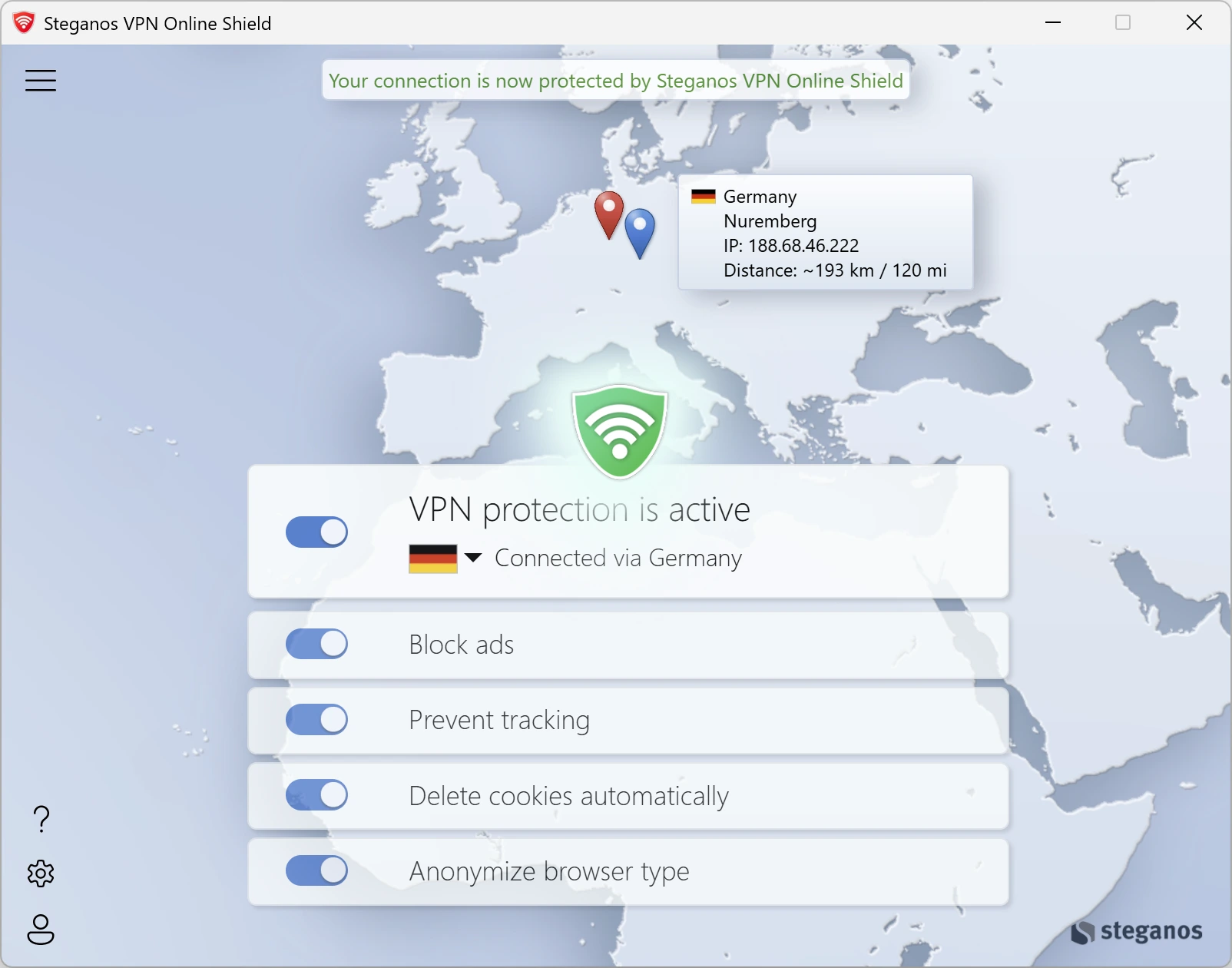
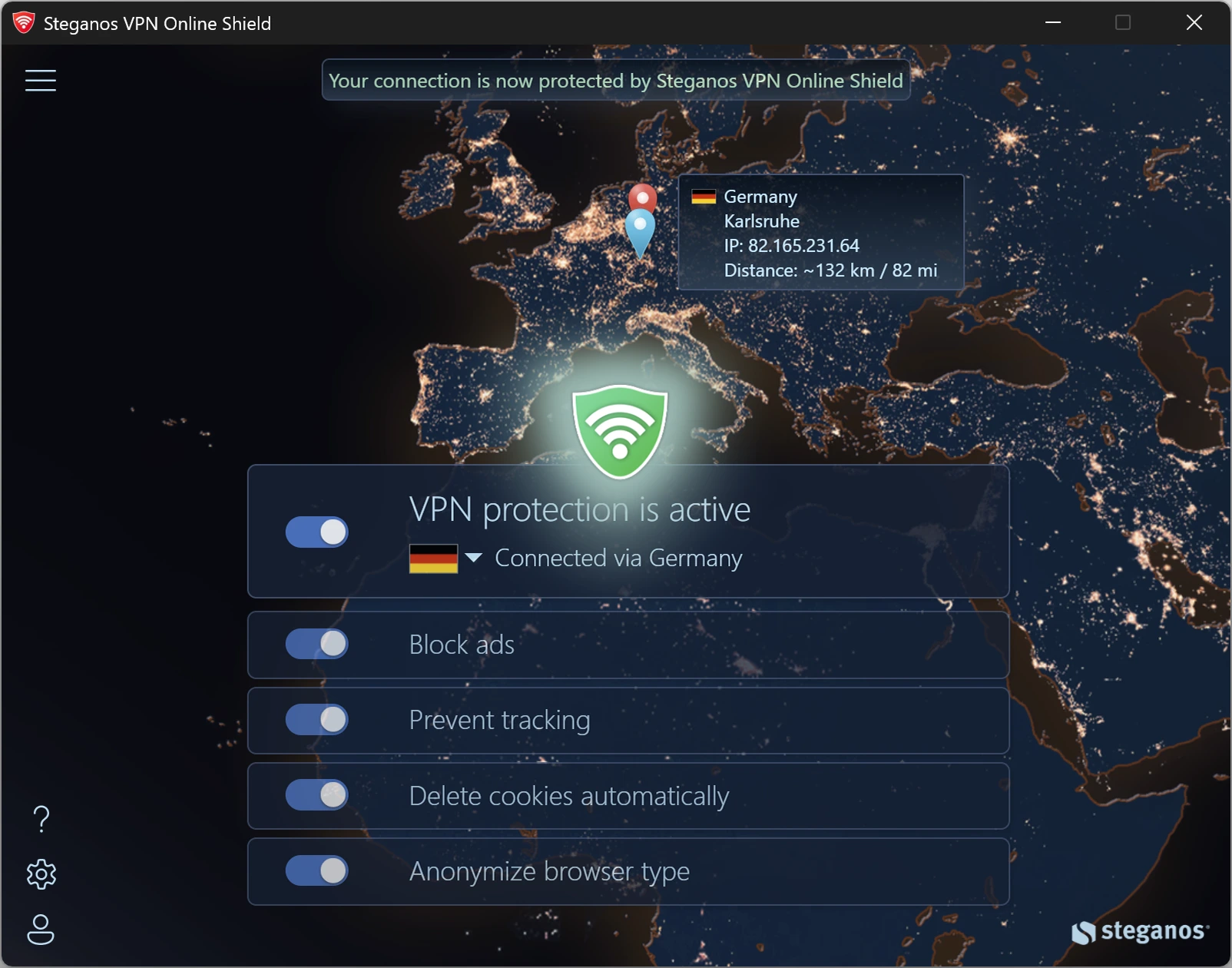
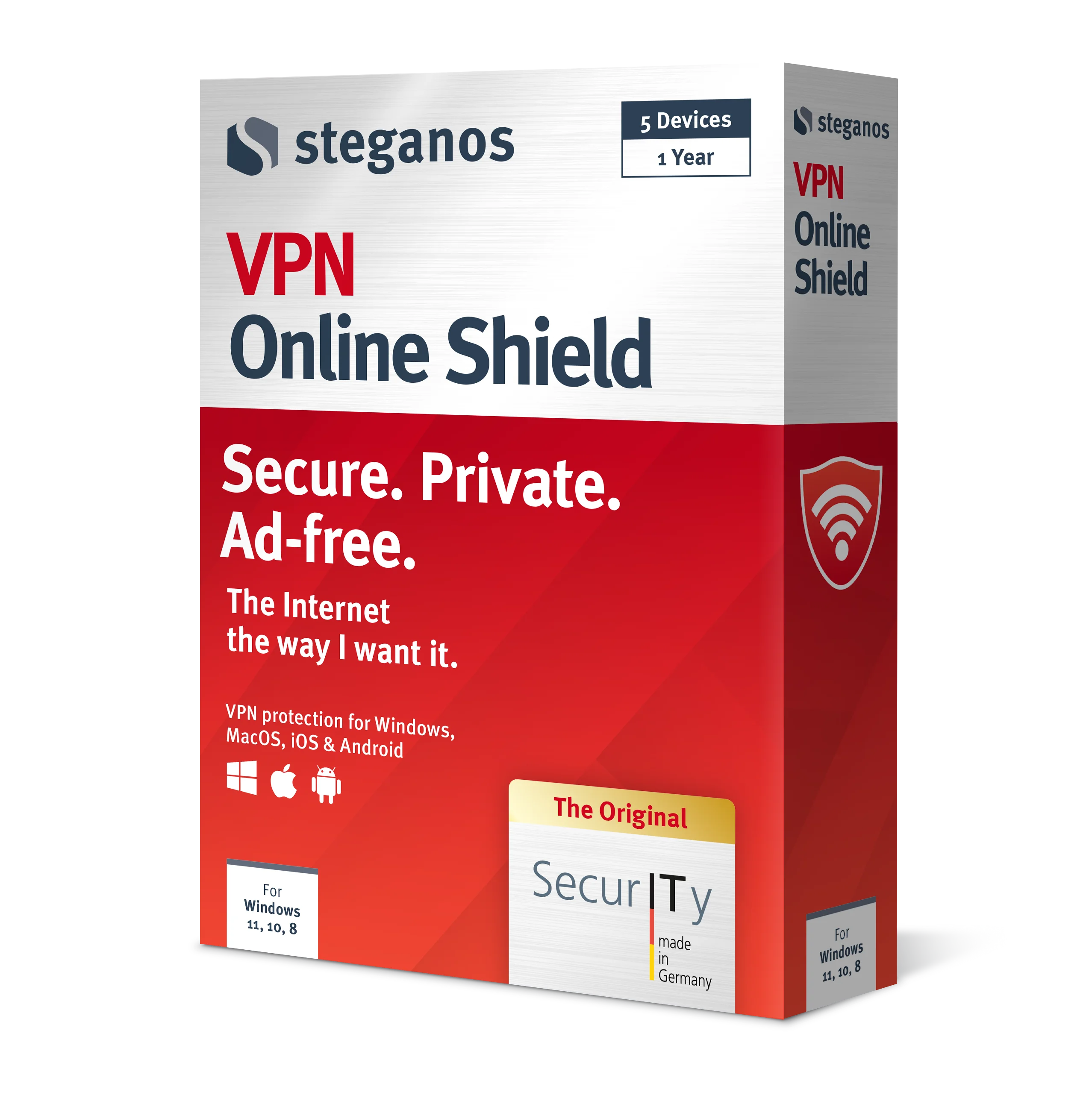
 Steganos®VPN Online Shield
Seeing your IP address is the first step. Not having to show it any more is the second.
- ✓Encrypts your entire connection
- ✓Hides your real IP address
- ✓256-bit AES encryption
- ✓Servers in many countries, switch with one click
- ✓7 days unrestricted, no subscription
How does a VPN work?
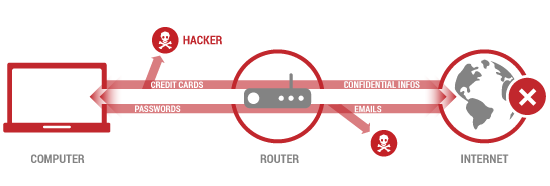
Without Steganos VPN Online Shield
Your data can be intercepted anytime, on a public Wi-Fi or on its way to a server.
With Steganos VPN Online Shield
Your privacy is protected, your connection is encrypted, no matter from where you access the Internet.
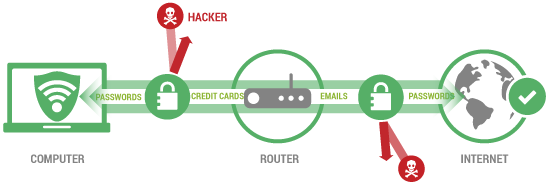
A VPN is a virtual private network in which your data is securely transferred. If you use VPN software, you will not connect directly to the Internet as usual.
First, you connect to the VPN provider in encrypted form, which in turn is forwarding you to the Internet. Your data will be anonymized:
Because your connection request is made via a server of the VPN provider (node), you will be assigned a new IP address. This protects your real IP address, which serves as a distinctive feature of your device – so your Internet request cannot be traced back. The virtual private network makes your computer invisible.
What your IP address reveals
What many people assume – and what actually applies
| Common misconception | What actually applies | |
|---|---|---|
| Location | ✗ My IP address reveals my home address | ✓ It reveals your provider and your region. Who is behind it is known only to your provider – and they disclose it on a court order |
| Recognition | ✗ My address changes regularly, so I cannot be identified | ✓ Address plus browser details form a pattern that remains recognisable even after the change |
| Encryption | ✗ With HTTPS nobody can see where I am | ✓ HTTPS protects the content. Sender and destination stay visible to everyone along the way |
| Private mode | ✗ In a private window I am invisible | ✓ That mode only clears the history on your device. Nothing changes on the outside, the address stays the same |
| Public Wi-Fi | ✗ On café Wi-Fi I look like everybody else | ✓ To the outside yes – but inside the same network your traffic can be read |
| Hiding it | ✗ You need technical expertise for that | Switch the VPN on, done |
FREEOur top downloads
Full power at no cost: use our software free of charge and enjoy every premium feature*

Deals & news straight to your inbox.
VPN Online Shield
The best VPN solution from Germany. Absolute security and privacy.
Password Manager
Create, store and manage strong passwords. Secure cloud-based access while on the move.
Data Safe
Encrypt sensitive data securely. Protect yourself and your data at the touch of a button.
Privacy Suite
Digital vault & password management. Create and manage secure passwords.
OkayFreedom VPN
Browse free and securely – a VPN from a German provider, with no user account at all.
LockNote 2
Encrypt important data against unwanted access with our open-source solution.
* Steganos VPN Online Shield can be used without restriction and without a subscription for 7 days. Steganos Privacy Suite, Steganos Password Manager and Steganos Data Safe can be used without restriction and without a subscription for 30 days. Steganos LockNote 2 and OkayFreedom VPN are free to use permanently.
Frequently asked questions
What is an IP address, exactly?
The house number of your connection on the Internet. For a website to send you a page, it has to know where to – and that is precisely what the address is for. Without it no connection works. So it is nothing suspicious, but nothing private either: every server along the way sees it.
How accurate is the location on the map?
Inaccurate, and deliberately so. The database assigns your address an area, not a point – the circle on the map shows that area. On fixed-line connections it often hits the right city, on mobile networks it can be dozens of kilometres off, and with some providers it only shows the company headquarters. A home address cannot be derived from it.
Why does my address change sometimes?
Many providers assign it temporarily rather than permanently. After you reconnect you are given a different one. That does not make you anonymous: your provider keeps a record of which address belonged to which line and when.
What is the difference between IPv4 and IPv6?
IPv4 is the older, shorter notation with four blocks of numbers. Because those addresses have become scarce, there is IPv6 with considerably more digits. Many connections have both today; if IPv6 above says „not available“, your connection is currently using IPv4 only. In everyday use it makes no difference to you – you are visible with either one.
How do I hide my IP address?
With a VPN. Your device sets up an encrypted connection to a server, and the website only sees that server’s address. To try it out, our Free Online Web Proxy in the browser is enough; for all of your traffic – including outside the browser – you need a VPN such as Steganos VPN Online Shield.
What happens to my address?
It is needed to look up the location and the network operator. So that the same query does not run again on every visit, the result of the location lookup is cached. No user account, no profile and no link to your person is created in the process. What generally accrues while operating the website is set out in our privacy policy.
Steganos Password Manager 26 for iOS and Android
Your passwords on the go – securely encrypted on iPhone, iPad and Android, with automatic filling in browsers and apps.
With AutoFill in browsers and all your favorite apps
For users of Steganos Password Manager and Steganos Privacy Suite.
Find out more about:
System requirements: Android 8 or newer · iOS 12 or newer


Tips & Hints
Background, how-tos and food for thought on encryption, passwords and safe browsing – so you can protect your data and your privacy effectively.

How to protect yourself in public WiFi networks
In hotels, at airports or in a café, your data traffic can be read by anyone who is on the same network. What helps against it – and what does not.
Read on →
The most common mistakes when using passwords
Birth dates, family names, the same password for every account: the typical patterns that make an attacker’s work easy – and how to avoid them.
Read on →
Important reasons for encryption
Since the GDPR and the rise of the home office, data encryption is no longer a specialist topic. Which data is encrypted most often – and why.
Read on →
Should you always keep your VPN active?
A VPN protects your privacy – but it can also get in the way. When to leave it active and when it makes sense to switch it off for a while.
Read on →
Encryption and strong passwords
The two building blocks digital privacy rests on – explained compactly, with the most common mistakes and practical countermeasures.
Read on →
How to keep data safe from hackers on vacation
On vacation people are often careless – and that is exactly what attackers count on. How to protect your data while traveling, without being an IT professional.
Read on →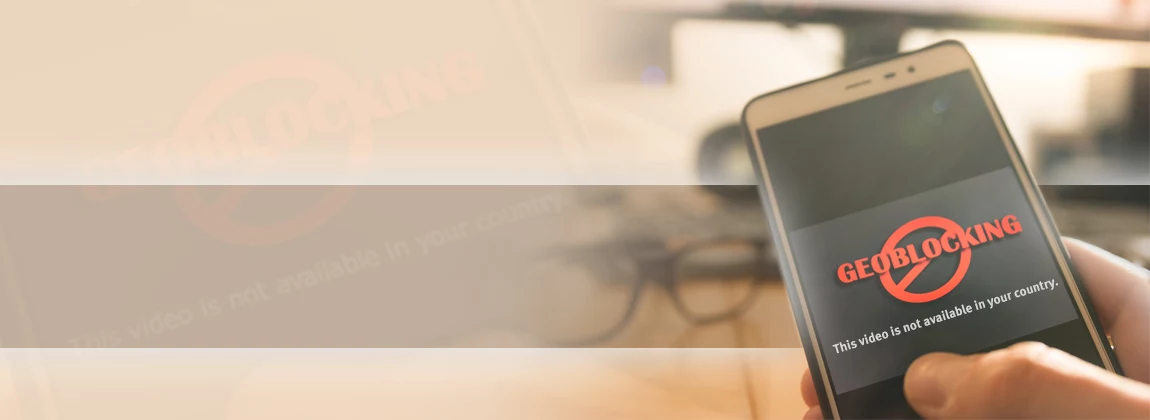
What is geoblocking and how you can get around it
Why some content is blocked abroad, how the block works technically and what a VPN changes about it.
Read on →
Why the Recycle Bin is not enough to delete data
Deleted is not gone: what really happens when you empty the Recycle Bin and how to remove files so that they cannot be recovered.
Read on →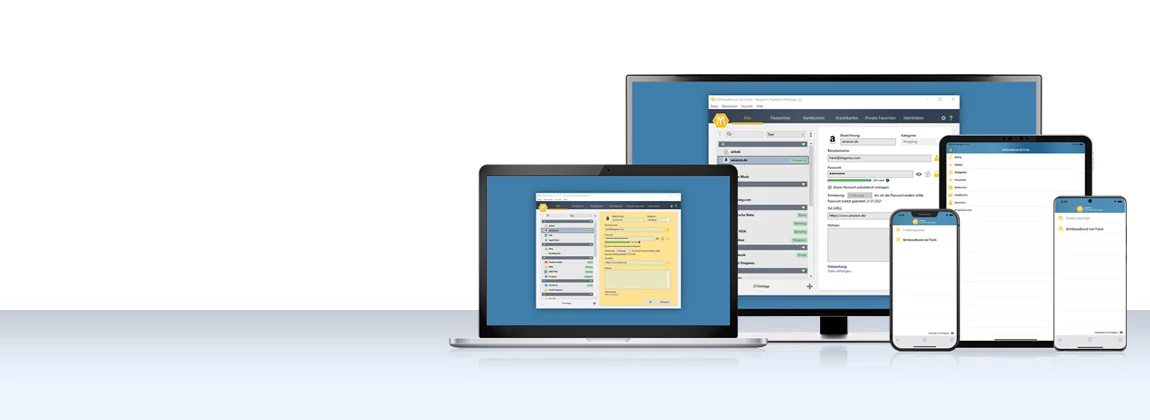
Using the Password Manager on iOS and Android
Step by step: install the app, synchronize your keychain via the cloud and have your passwords at hand on the go as well.
Read on →
How a VPN protects your smartphone
Your smartphone holds your accounts, photos and messages. What a VPN actually secures there – and where it additionally increases browsing comfort.
Read on →
Saving money with VPN when shopping and booking travel
Prices often depend on your location. How to check that, what to watch out for and why security is the real gain.
Read on →
How to bypass censorship on the Internet with a VPN
An encrypted tunnel to a server abroad – what that achieves against censorship and regional blocks, and where the limits are.
Read on →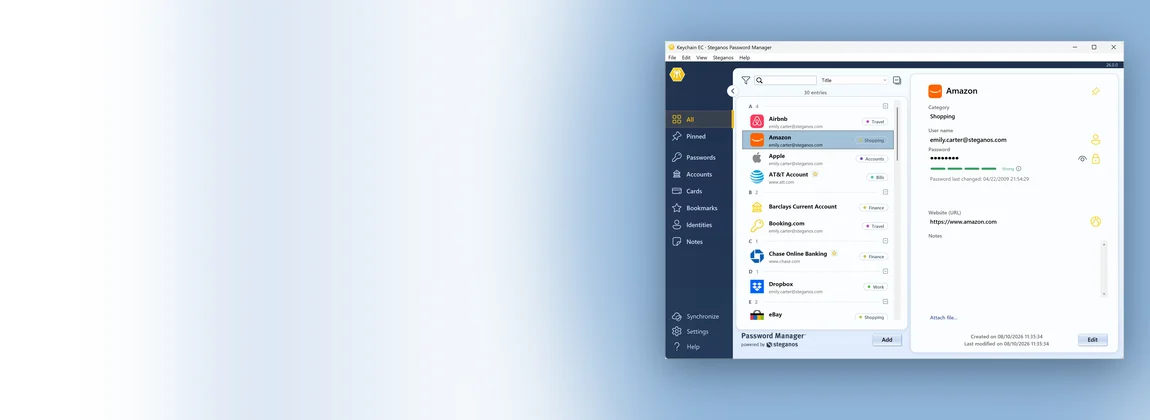
Moving from LastPass to Steganos Password Manager
A LastPass export even takes the folders with it. Which header row the import expects and how the groups become categories.
Read on →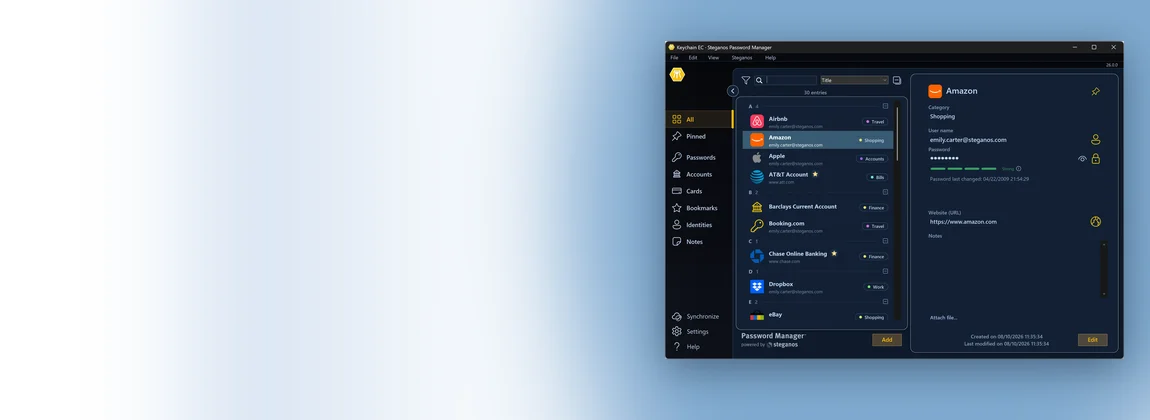
Moving from 1Password to Steganos Password Manager
A 1Password export brings titles, addresses, notes and tags with it. Which header row the import expects and what gets left behind.
Read on →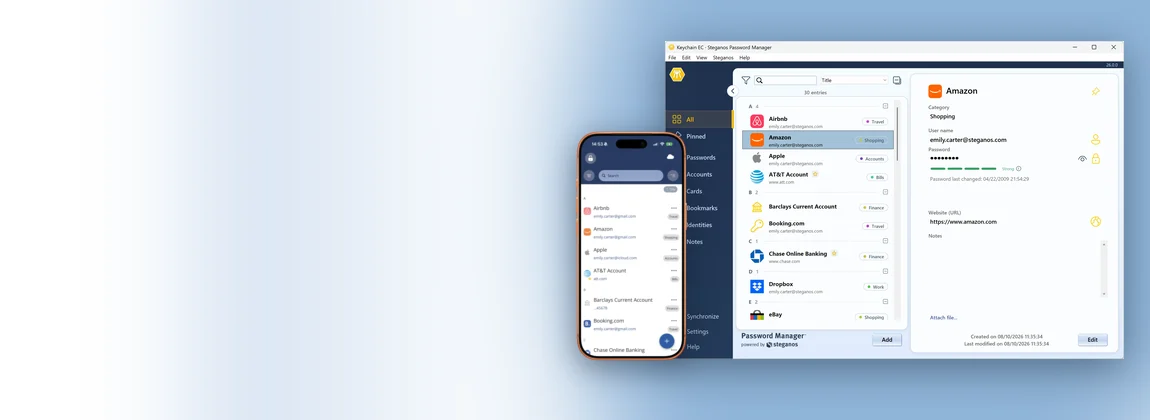
Moving from KeePass to Steganos Password Manager
KeePass and KeePassXC export differently. Which of the two CSV formats the import reads – and why the groups don't come along.
Read on →Free tools
All of them work straight in your browser, with no installation and no user account.
 Free Online Web Proxy
 Internet and DSL Speed Test
 Password Generator
User manuals
Detailed documentation for each product in our service area.